
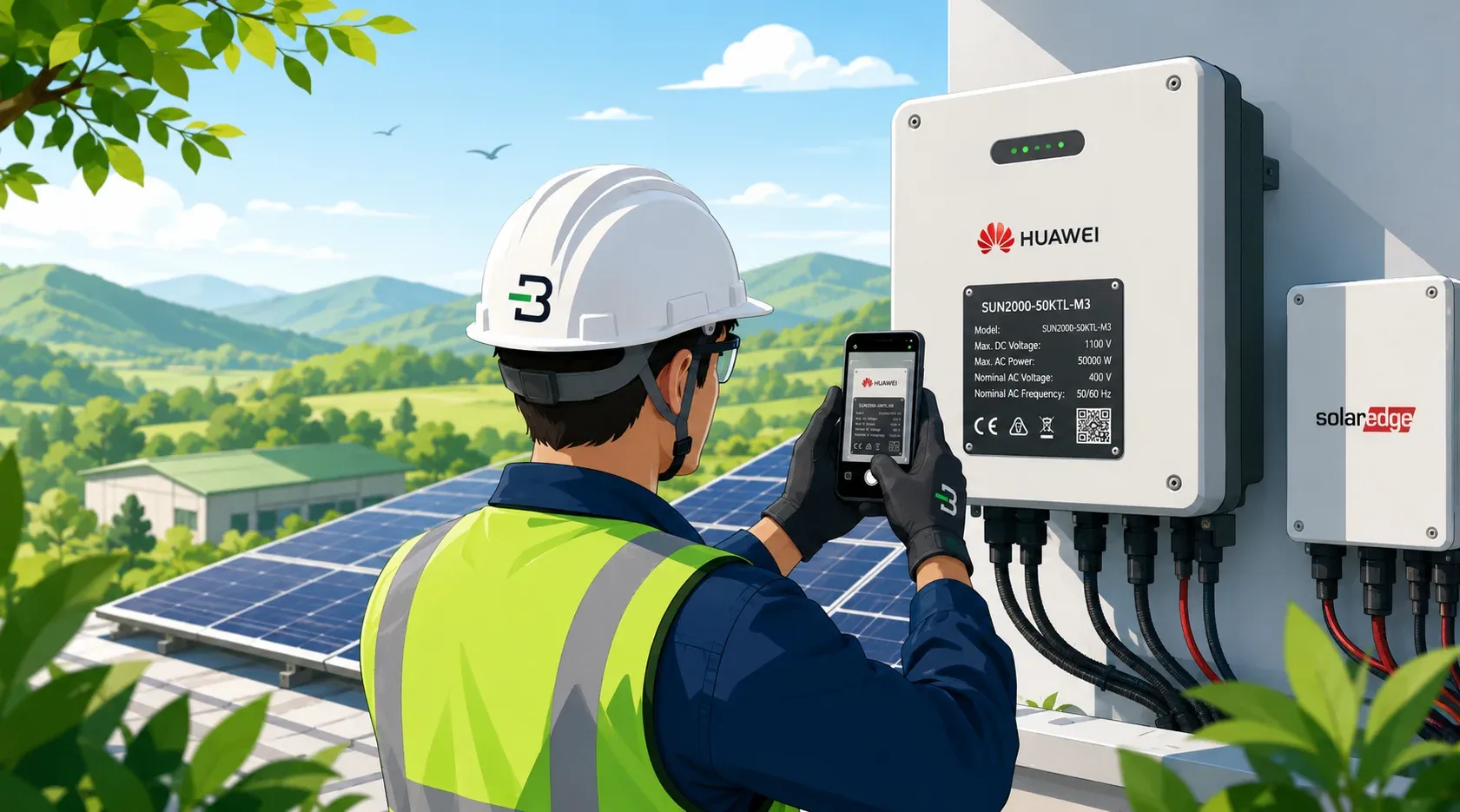

Handover packs for solar installers

Handover packs from nameplate photos. Every serial checked.

Your crew photographs each nameplate. Baton reads it twice, a person checks the serial, and the PDF, Excel and CSV land in your own Google Drive.

Start freeFirst 3 jobs free. No card.

Setup takes a few minutes. A free Gmail account works for Drive.

  • Nothing for the crew to install
  • Any equipment with a data plate
  • Shoots with weak or no signal
  • Files save to your Google Drive

Built for solar installers. Works on any equipment with a data plate.

Phone on site, desktop in the office

The site fills the register. The office finishes it.

One six-digit code joins the two. Photos land in the office as they are taken, so nobody emails a gallery around and nobody retypes a serial.

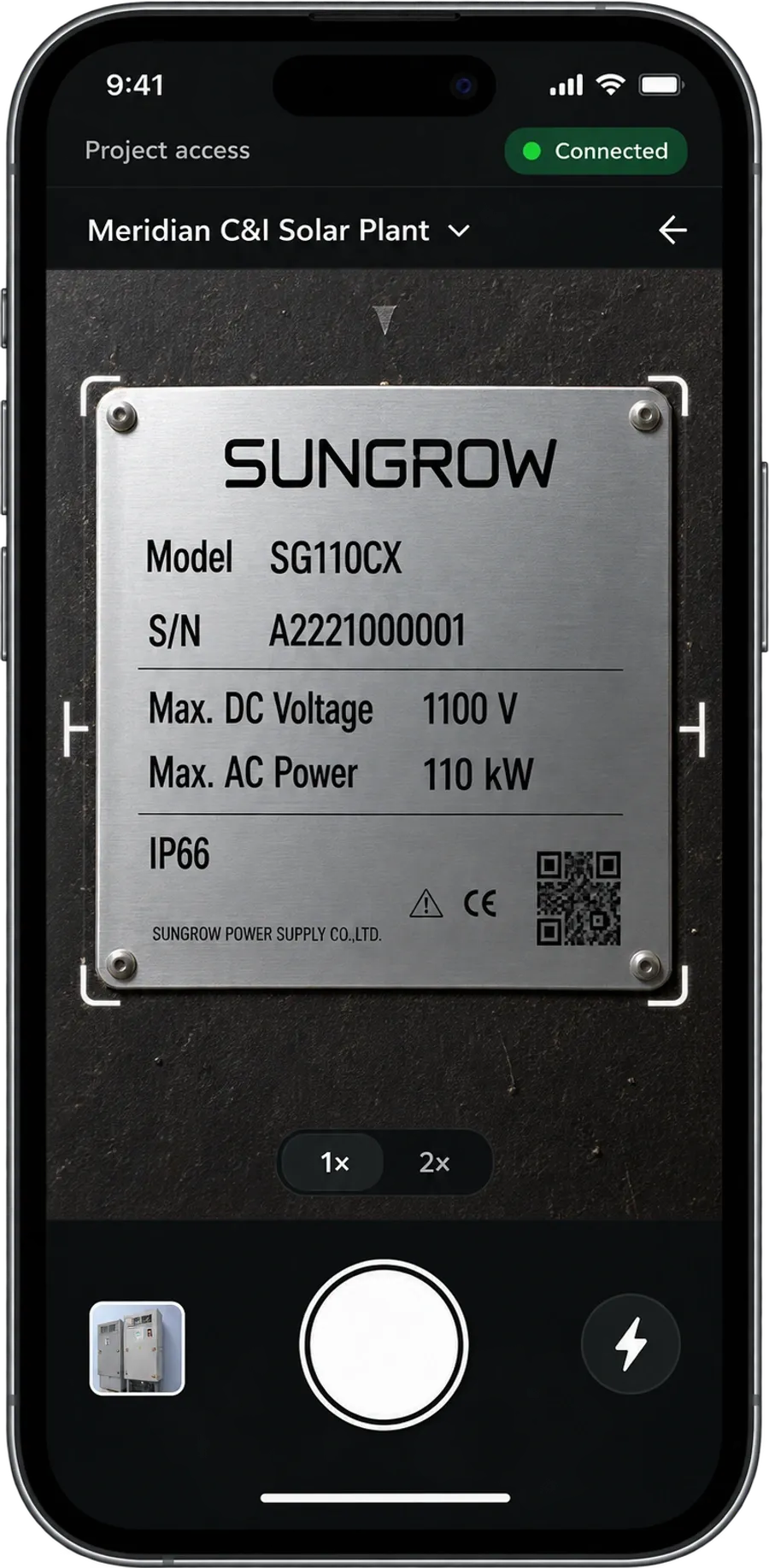
On the crew's phone

Opens in the browser, nothing to install

The Baton capture app open on a phone, framing a Sungrow inverter nameplate in the viewfinder.

Crew never signs in.

  • Join by QR or six digits
  • Blurry shots caught on the spot, before they leave
  • Saves offline, syncs on signal
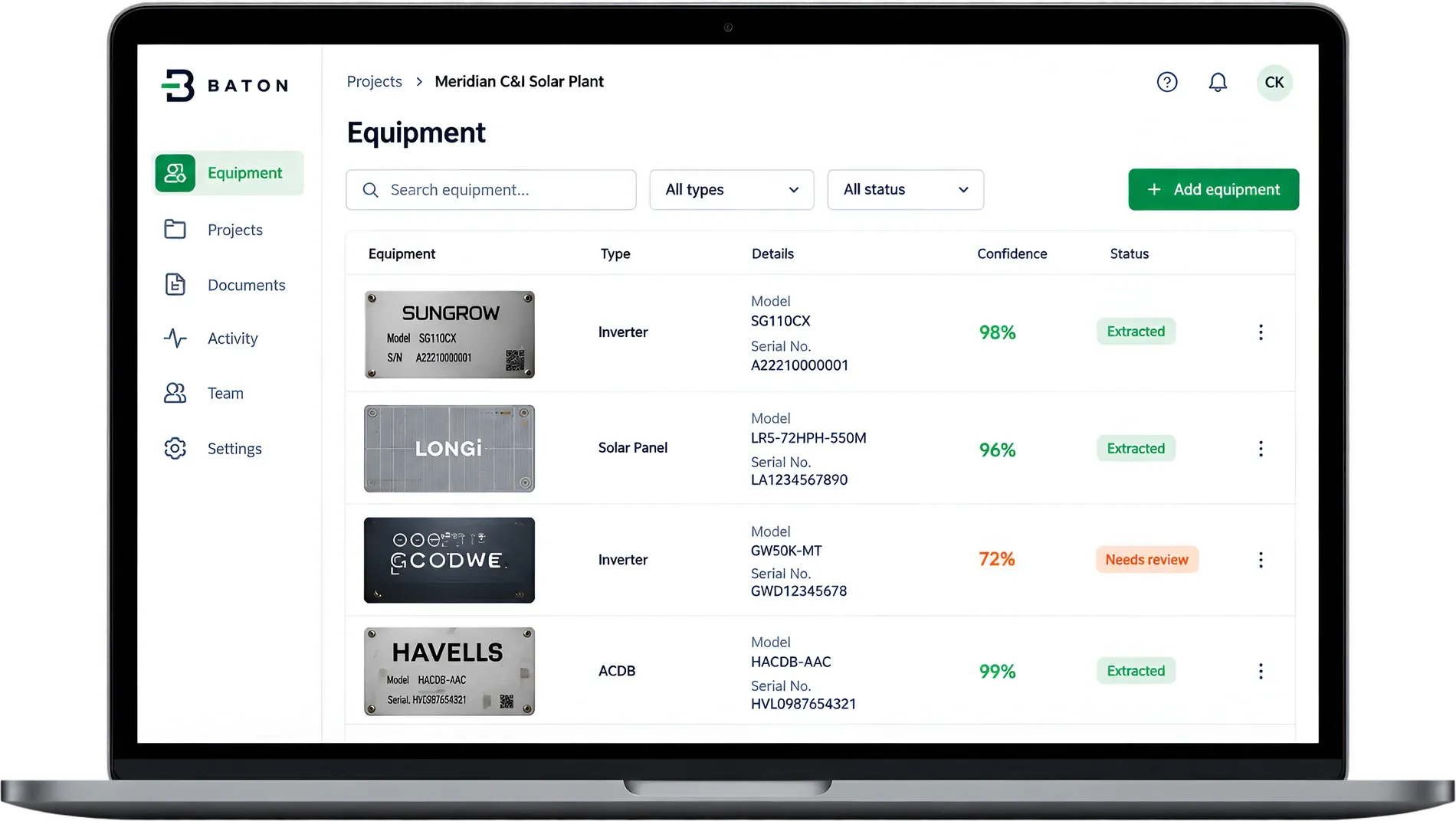
Office app

For PMs and admins

The Baton office app on a laptop, showing a project equipment register: each captured nameplate with its model, serial number, and check status.

Each plate beside its photo, and nothing unchecked goes out.

  • Captures arrive as they are shot
  • Check each manufacturer, model and serial against its photo
  • Generate PDF, Excel and CSV
See all five stepsSet up the project, capture on site, check the nameplates, generate

Where the days go

You build the register twice. Once as photos, again by hand in Excel.

Every handover goes through the same four steps. Without Baton, someone does most of them twice.

Without Baton
With Baton
01Capture

Photos come back blurry, or never come back at all

The shot is checked for legibility before it is saved

02Data entry

Serials retyped by hand from a phone gallery

Every plate read by two AI models, and anything they disagree on is flagged

03Checking

Calls back to site to confirm what a plate said

Manufacturer, model and serial checked by a person against the photo

04The document

Built by hand, late, because the data was late

PDF, Excel and CSV generated together in one click

Where handovers go wrong

A wrong serial. A photo nobody can find. A site code that got passed around.

Each one surfaces after the pack has left you, when it costs the most to fix. Here is what Baton does about it.

Read twice, then checked by a person

Two AI models read each photo and compare. A detail is accepted only if both agree and both are sure; anything else is flagged. Then every manufacturer, model and serial is checked against its photo before a handover can be made, because a confidently wrong serial is exactly what gets a handover rejected.

Read 1 · SN 30512847certain
Read 2 · SN 40512847certain
Flagged for reviewThe serial does not match across reads
Your files stay yours

Photos and finished documents are written into your own company Google Drive, filed by project and equipment type, and our copy is deleted in the same pass. Stop paying us and the record is still sitting there.

One code, revocable

Share a link or a printed QR for the day. If it gets out, revoke it. Every phone using that code stops the next time it syncs.

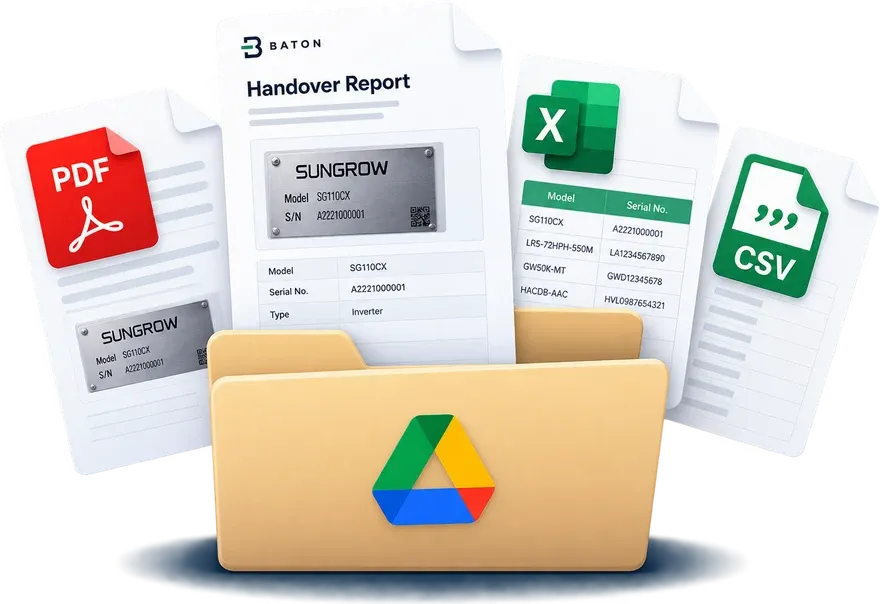
A handover pack: a branded PDF report, an Excel workbook and a CSV, filed together in a Google Drive folder.

When the job is done

One click, and all three files are in your Drive.

The same register in three shapes: one to send, one to work in, one to import. Set your column headings once per client and every export comes out in their format.

Saved to your own Google Drive, never to ours

.pdf

Handover document

Your logo and colour, the full equipment register, and every photo printed alongside it, numbered to match its row.

.xlsx

Excel workbook

Serials arrive as text, so 0012345 stays 0012345 and 10-3 never turns itself into a date.

.csv

Plain CSV

No formatting, so it imports cleanly. Set your own column headings once per client and every export matches their template.

Your next handover is already being photographed.

Somebody is standing in front of a nameplate with a phone right now, and that photo is going into a WhatsApp thread. Point them at a code instead and the register fills in as they shoot.

Everything you capture is yours, in your own Drive. Walk away whenever you like and it stays there.

Receiving a handover instead of producing one? Ask your contractor to use Baton. The register you sign off then comes from the photos, not from someone's memory of the site.

Start freeFirst 3 jobs free. No card.

Example site code

Or scan the QR taped to the site board. Revoke it the moment the job ends.